

Google Docs Gains a Typographic Power-Up with Native Google Sans Integration

📷 Image source: i0.wp.com
A New Face for Your Documents
Google's signature font arrives directly in the word processor
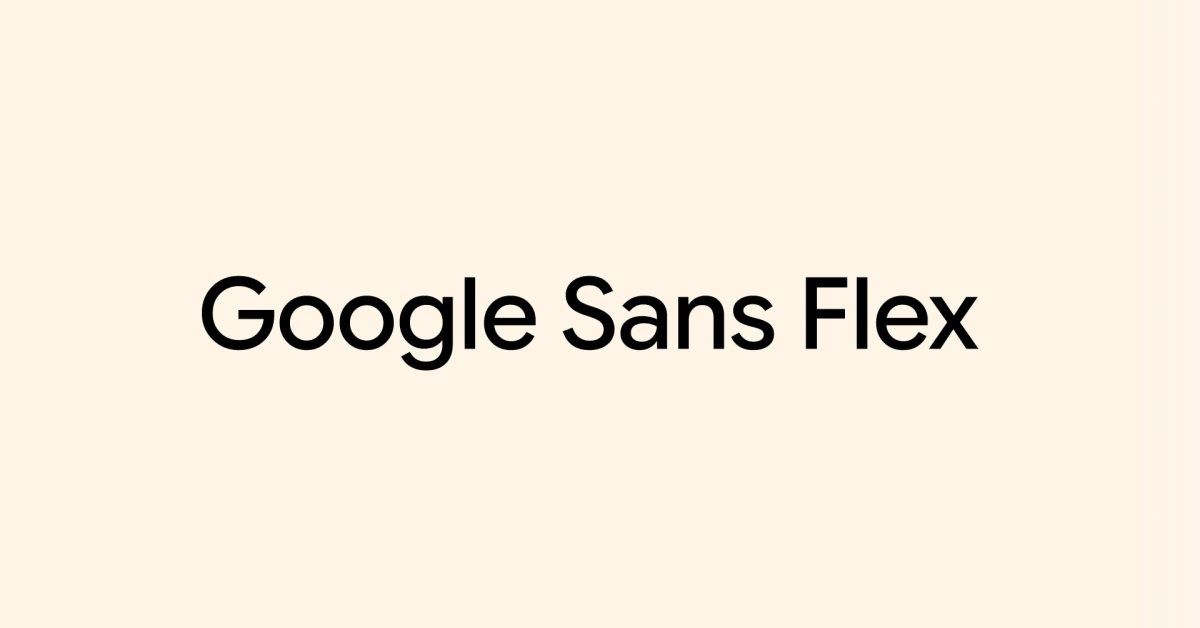
Google Docs users now have a powerful new tool for shaping the visual tone of their documents. According to a report from 9to5google.com, the word processing platform has integrated Google Sans, the company's modern, geometric sans-serif typeface, directly into its font menu. This native addition, confirmed on 2026-01-24T16:05:00+00:00, moves beyond the previous workarounds that required manual font uploads, offering a seamless and officially supported typographic option.
The inclusion is more than a simple aesthetic update. Google Sans is the corporate typeface that defines the visual language across Google's hardware, marketing, and interface design. Its arrival in Docs signifies a move toward greater brand cohesion and provides users with a font engineered for high readability on screens. For professionals crafting reports, educators designing materials, or anyone wanting a clean, contemporary look, this integration offers a significant upgrade in document styling directly within the familiar workspace.
From Brand Identity to Document Clarity
Understanding the design philosophy behind the typeface
What makes Google Sans a noteworthy addition? The font, originally developed as Product Sans, was created to excel in digital environments. Its letterforms feature open apertures and a balanced x-height, which are design characteristics that improve legibility, especially at smaller sizes or on lower-resolution screens. This is a font built with the understanding that most documents are now read on devices rather than printed.
The geometric foundation of Google Sans gives it a clean, neutral, and slightly friendly appearance. It lacks the stark clinical feel of some traditional sans-serifs like Helvetica, instead opting for subtle rounded terminals that soften its character. This makes it versatile enough for body text in a business proposal while still carrying enough distinct personality for headings in a creative portfolio. Its integration allows the same typographic confidence seen in Google's own presentations to be applied directly to user-generated content.
A Streamlined Workflow for Users
How the new feature changes the document creation process
Prior to this update, using Google Sans in a document was a manual and inconsistent process. Users had to locate a trusted source for the font files, upload them to Google Fonts for their personal use, and then apply it to their text. This created friction, potential licensing confusion, and compatibility issues when sharing documents with collaborators who hadn't performed the same upload steps.
Now, as 9to5google.com details, the font is simply there. It appears in the standard font dropdown menu alongside staples like Arial, Georgia, and Roboto. Users can select it with a single click, apply it via styles, and be confident that anyone with viewing or editing access to the document will see it rendered correctly. This eliminates a technical barrier, allowing users to focus on content creation rather than font management. The change reflects Google's ongoing effort to make sophisticated design tools more accessible within its productivity suite.
The Technical Implementation and Availability
Rollout details and what users can expect
The report from 9to5google.com indicates this is a server-side update, meaning the feature becomes active without requiring users to install a new version of Docs or update an app. This type of rollout typically happens over a period of days or weeks, so visibility may vary across different user accounts initially. However, once available, it is a permanent addition to the platform's toolkit.
The font family available includes the standard weights, such as Regular, Medium, and Bold, providing sufficient range for creating clear visual hierarchy within documents. It integrates fully with Docs' existing formatting features, including character spacing, custom styles, and the Paint Format tool. This ensures that Google Sans can be adopted into any existing document template or workflow without requiring users to learn new functions or commands.
Impact on Professional and Academic Standards
Why font choice matters beyond mere appearance
The choice of typeface in a document is rarely just decorative. It communicates tone, establishes credibility, and directly affects how easily information can be absorbed. In academic and professional settings, where documents are tools for persuasion and information transfer, a well-chosen font is a critical component.
Google Sans enters this space as a strong, neutral contender. Its clarity makes it suitable for lengthy reports or research papers where reader fatigue is a concern. For resumes, cover letters, and business plans, it projects a modern, tech-fluent, and organized image. The fact that it is now a default, shareable option within Google Docs raises the baseline for document design, encouraging users to move beyond overused defaults like Arial and Calibri toward a more considered typographic presentation that was previously harder to achieve in the platform.
Comparative Analysis with Existing Fonts
Where Google Sans fits in the Docs ecosystem
Google Docs already offered a robust selection of fonts, so where does Google Sans carve its niche? Compared to the ubiquitous Arial, it offers more distinctive letterforms and better on-screen spacing. Against the friendly and rounded Roboto (another Google-designed font), Google Sans presents a more formal and geometric alternative. It sits comfortably between the stark neutrality of Helvetica-style fonts and the overt warmth of humanist sans-serifs like Verdana.
This positioning makes it exceptionally flexible. It can serve as a unified font for an entire document or act as a complementary heading font paired with Roboto for body text. Its design ensures it holds up well in both dense paragraphs and large display sizes, a versatility that not all fonts in the menu can claim. This gives users a powerful single-font solution for creating coherent and polished documents from title page to bibliography.
Future Implications for Google Workspace
A signal of deeper design integration
The direct integration of Google Sans into Docs may signal a broader strategic direction for Google Workspace. If the signature brand font is now a native tool in Docs, could seamless integration into Slides for presentations and Sheets for charts be far behind? This move suggests an intent to unify the visual design language across the entire productivity suite, making it easier for users to create cohesive projects that span multiple applications.
Furthermore, it reinforces the ecosystem lock-in by enhancing the native experience. Why would a user bother exporting a Doc to another editor for better typography when a premium, on-brand font is now available directly? It's a feature that simultaneously improves utility and strengthens platform loyalty. It also aligns with the trend of consumer-grade software adopting the polished design tools once reserved for professional desktop applications, blurring the lines between amateur and professional output.
Practical Tips for Adopting Google Sans
How to get the most out of the new typographic tool
For users eager to leverage Google Sans, the process is straightforward. Once the feature appears in your font menu, start by applying it to a document's 'Normal text' style. This will automatically format the bulk of your content. Then, create custom styles for 'Heading 1,' 'Heading 2,' and so on, using progressively heavier weights (like Medium or Bold) to establish a clear visual hierarchy.
Pay attention to line spacing; geometric sans-serifs often benefit from slightly increased leading (line height) to improve readability in long blocks of text. Experiment with using the Medium weight for subheadings or call-out text to add emphasis without the stark contrast of a full bold. Because the font is now universally available within Docs, it is perfectly safe for collaborative documents. You can share files with the confidence that your careful typographic choices will be preserved for all viewers and editors, ensuring your document's intended tone and professionalism are communicated consistently.
#GoogleDocs #GoogleSans #Typography #Productivity #Design


